
Features · Teams
Give one person one site, not the portfolio
A workspace holds sites, members and the subscription. Roles are set per workspace and per site, so a contractor can be given the one site they are working on without being given everything else you look after.
The parts
What this is made of
Each of these corresponds to a screen or an endpoint you can open today.
- A user can belong to several workspaces and switch between them from the rail.
- The portfolio ranks by health rather than by name, so the site needing attention is first.
- 01
The workspace is the billing subject
Three workspaces is three independent bills, three allowances and three member lists.
- 02
Two levels of role
A workspace role, and per-site membership on top of it. The narrower one is what a contractor gets.
- 03
Invitations by email
Pending invites count against the seat limit, because an invitation is going to become a seat.
- 04
SSO on the larger plans
Available on Pro and Enterprise.
In the product
Where you meet it
Captured from the running app, against a real crawl.
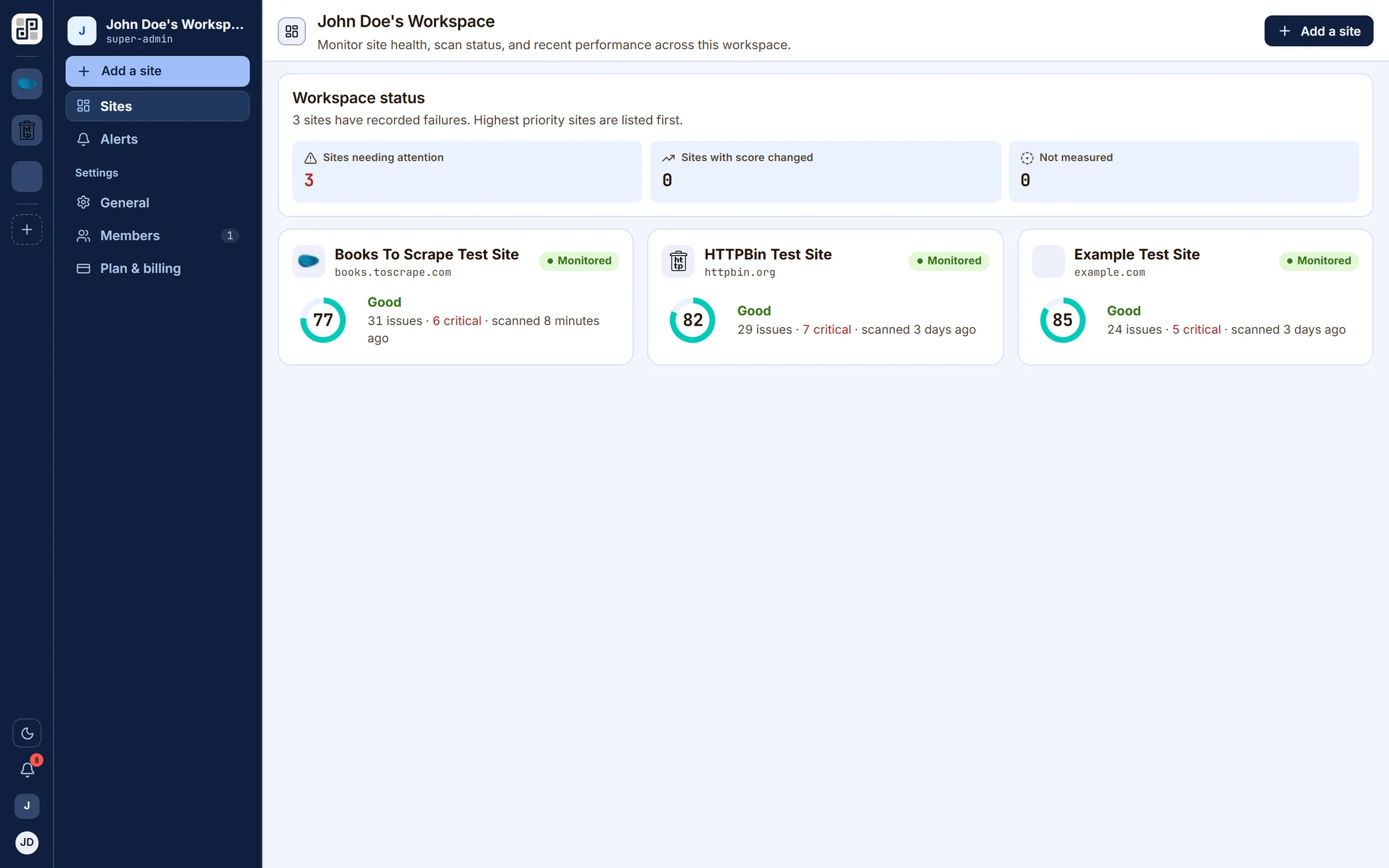
- app.pixyscan.com/w/…
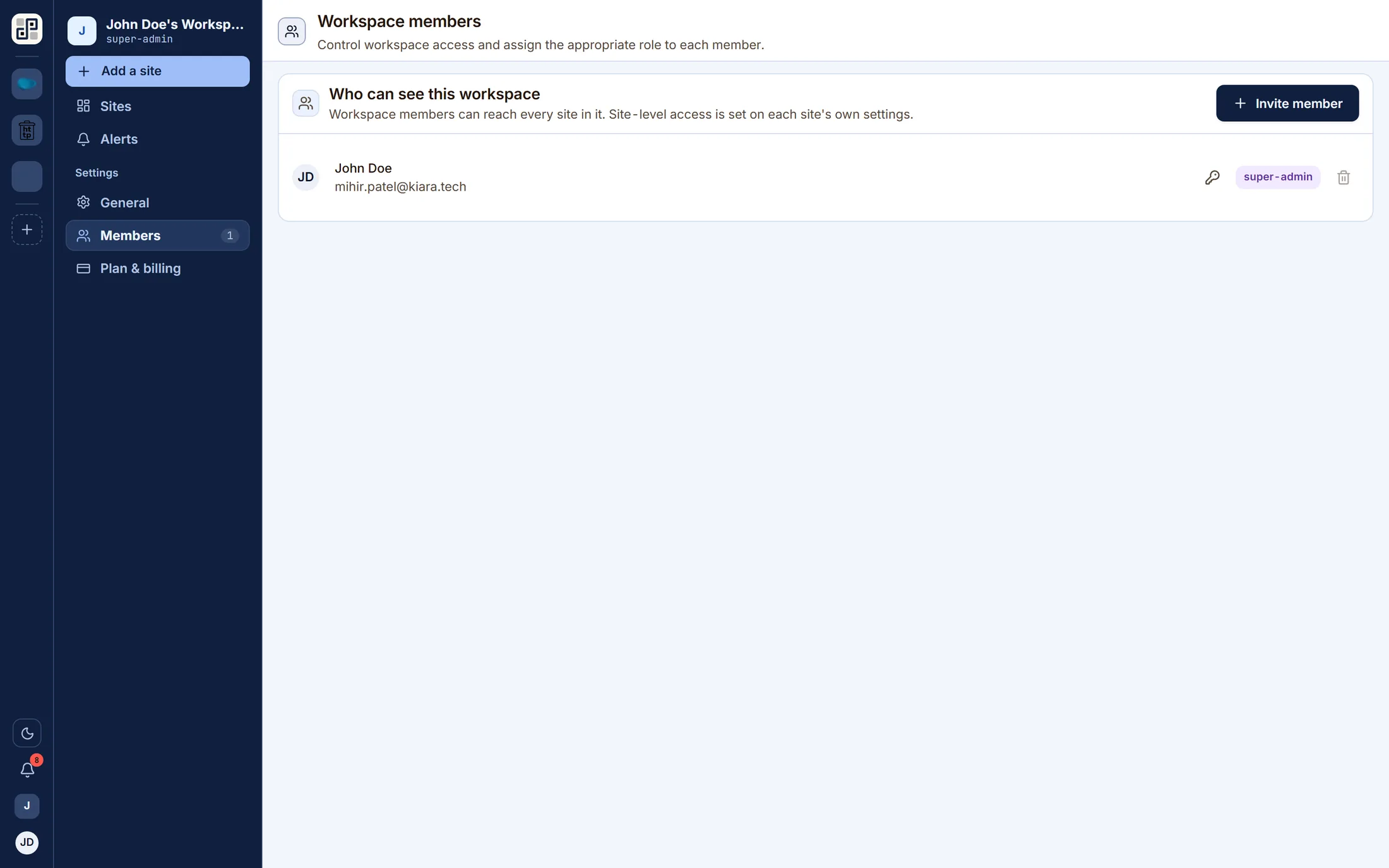
The workspace member list, where roles are set and invitations are sent.
Where the line is
What this does not do
You would find out on the trial either way. This is cheaper for both of us.
No SCIM provisioning and no directory sync.
One of these a blocker for you? Tell us — it is the most useful thing we can hear.
Keep going
The other five capabilities
Each is a page like this one, with its own list of what it will not do.
Scheduled monitoring
Put a site on a daily, weekly or monthly schedule in your own timezone and PixyScan re-crawls it without anyone opening the app.
Read itThe technical audit
Every discipline runs on every crawled page, producing a health score out of 100 weighted by severity.
Read itInventory you can interrogate
Pages, structure, crawlability, links, images and AI readiness are lenses on the same dataset — not separate scans and not separate products.
Read itA gate in your pipeline
Issue a per-site client secret, run one CLI command from CI, and read an exit code.
Read itReports and exports
Any completed scan renders on the server as a PDF, in three cuts: the problems, the strengths, or both.
Read it
Run it against your own site
One site free, 500 URLs a month, no card. The second scan is where this starts being useful.
Free plan · 1 site · 500 URLs a month · all 100+ checks · no card